8 items
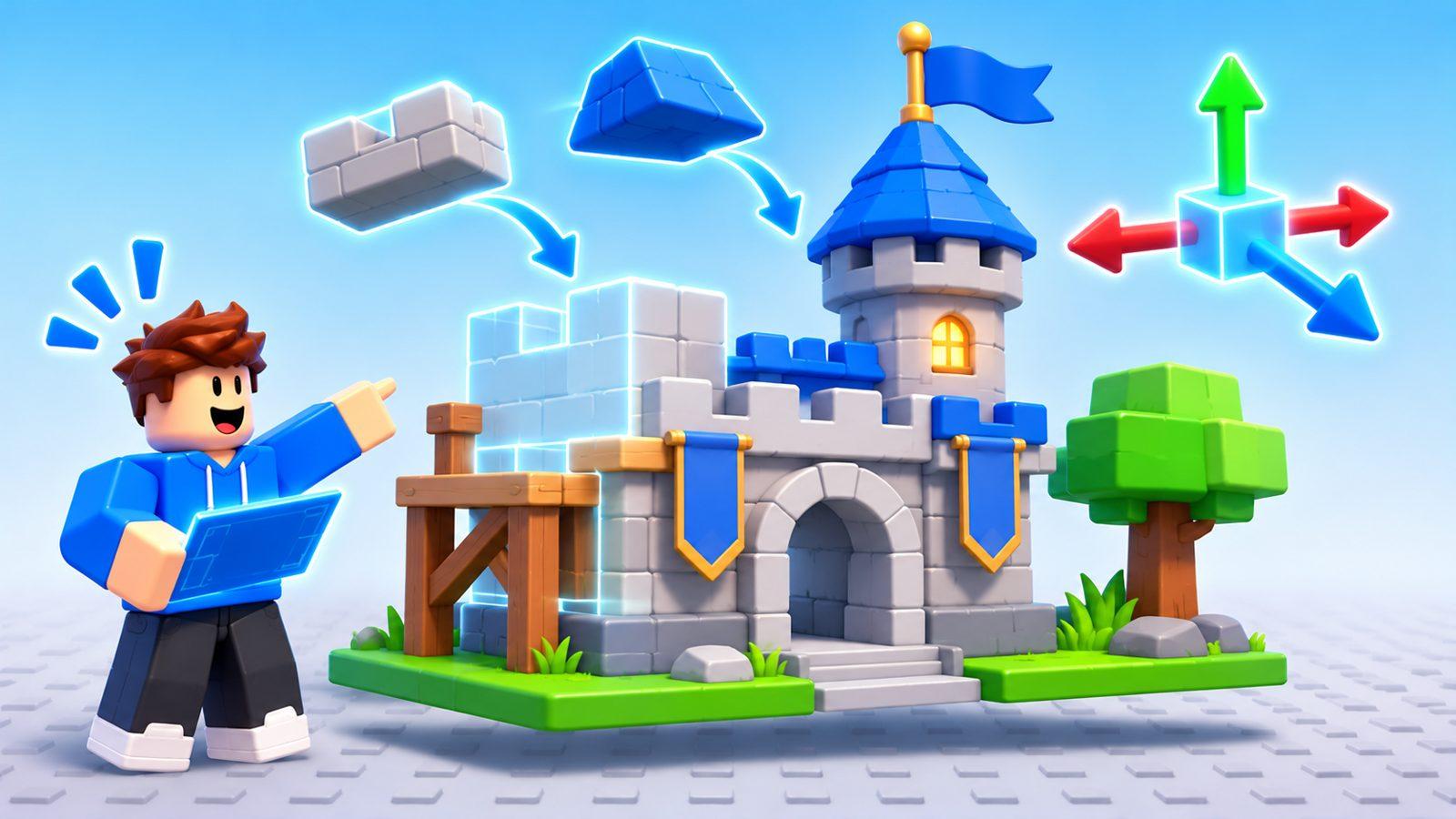
WorkflowBuilding and modeling
Image to game-ready 3D model: orthographic sheet, Meshy or Tripo, then Blender MCP cleanup
You end up with: A custom model of your own design, built from matching orthographic views, cleaned to a triangle budget, textured, imported and checked in Studio.
- ChatGPT
- Nano Banana
- Meshy
- Tripo
- Blender MCP
- Claude
8 stepsabout 60 minIntermediate
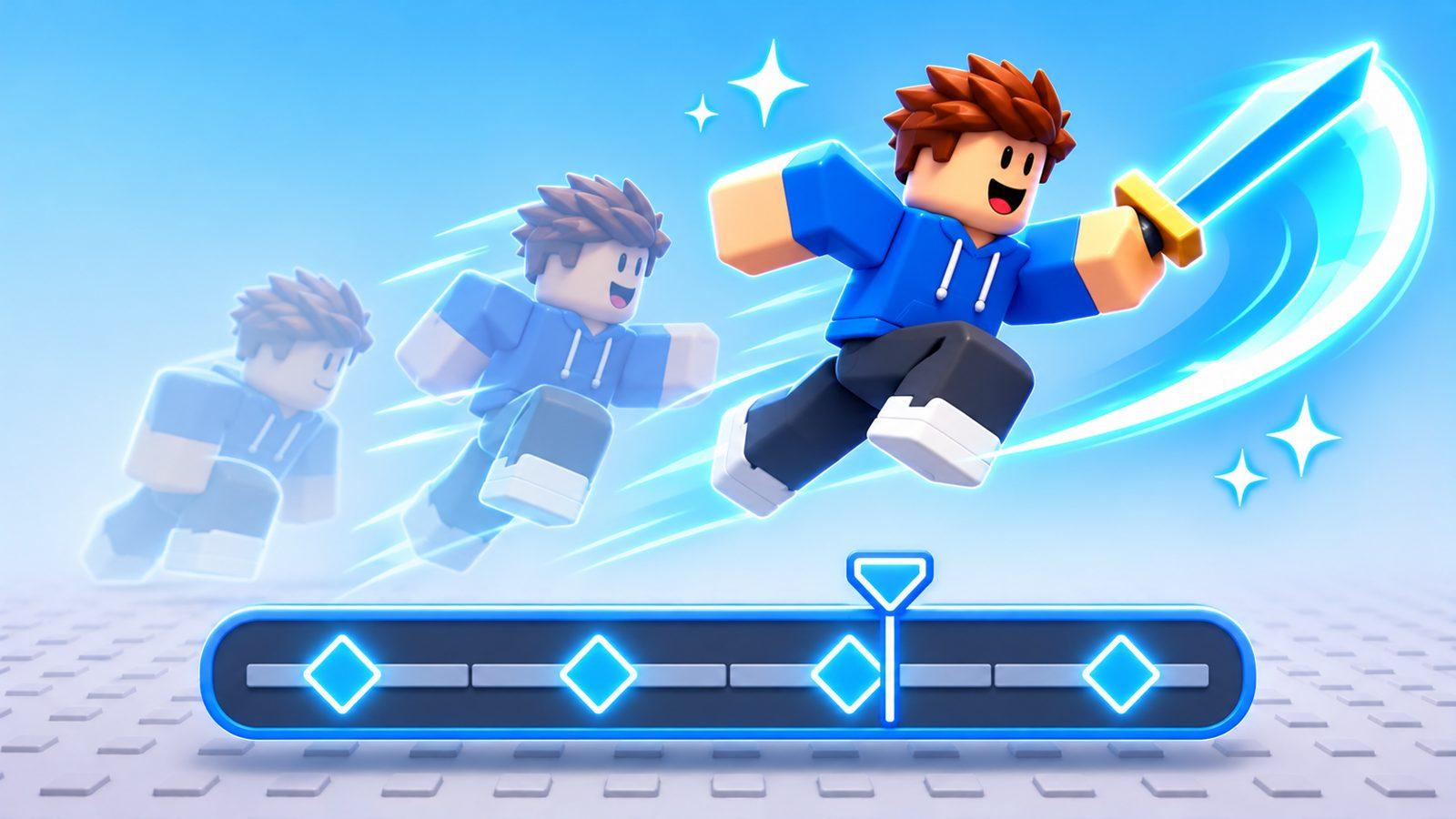
WorkflowAnimation and VFX
Layered VFX with Claude and PhotoCraft: draw the textures, build the emitters, check every frame
You end up with: A layered effect with its own textures: separate glow, core, edge and burst layers you can recolor and retime, played in order from one module.
- Claude
- PhotoCraft
- Roblox Studio MCP
7 stepsabout 50 minIntermediate
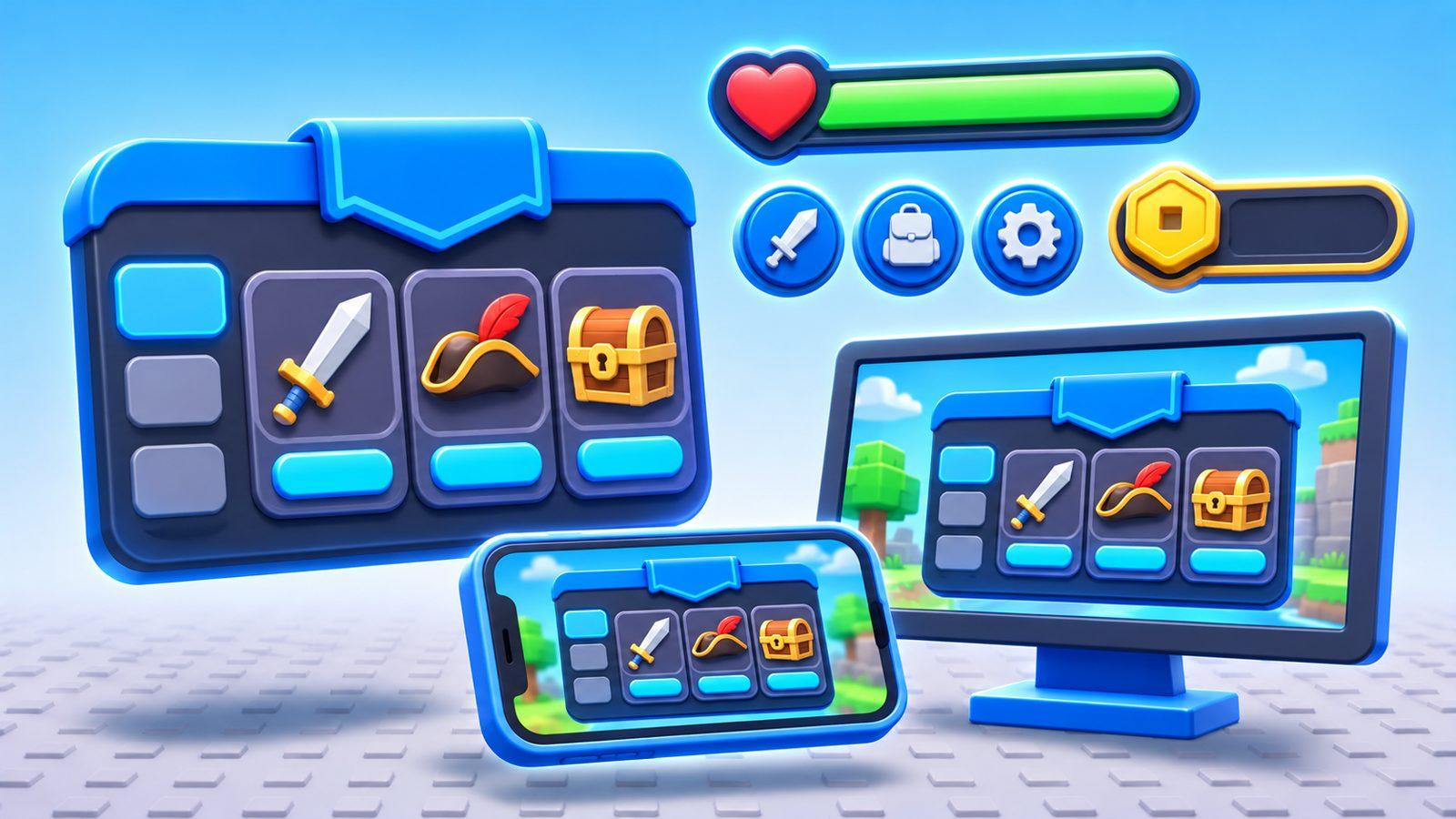
WorkflowUI and UX
Build a shop with AI: UI, remotes and server checks
You end up with: An in-game shop: an item table, a window of item cards that fits a phone, and a server script that checks every purchase.
- Claude
- Roblox Assistant
5 stepsabout 45 minBeginner
WorkflowAnimation and VFX
Stroke-by-stroke VFX: an AI-planned sword slash in Studio
You end up with: A sword slash effect under 0.6 seconds: a trail arc, an impact flash and sparks, played in order from one client module.
- ChatGPT
- Roblox Studio
5 stepsabout 50 minIntermediate
WorkflowBuilding and modeling
Concept to low-poly prop: image model, Meshy and Blender
You end up with: One game-ready prop: under 2,000 triangles, flat colors, sensible collisions, imported and checked at player distance.
- ChatGPT
- Meshy
- Blender
6 stepsabout 60 minIntermediate

WorkflowGrowth and marketing
A game thumbnail that gets clicks: pose, render and paint-over
Use your real avatar and real game in Studio, render it cleanly, and use AI only where it helps: background, lighting and polish. No extra fingers.
- Roblox Studio
- Adobe Firefly
- Photopea
6 stepsBeginner
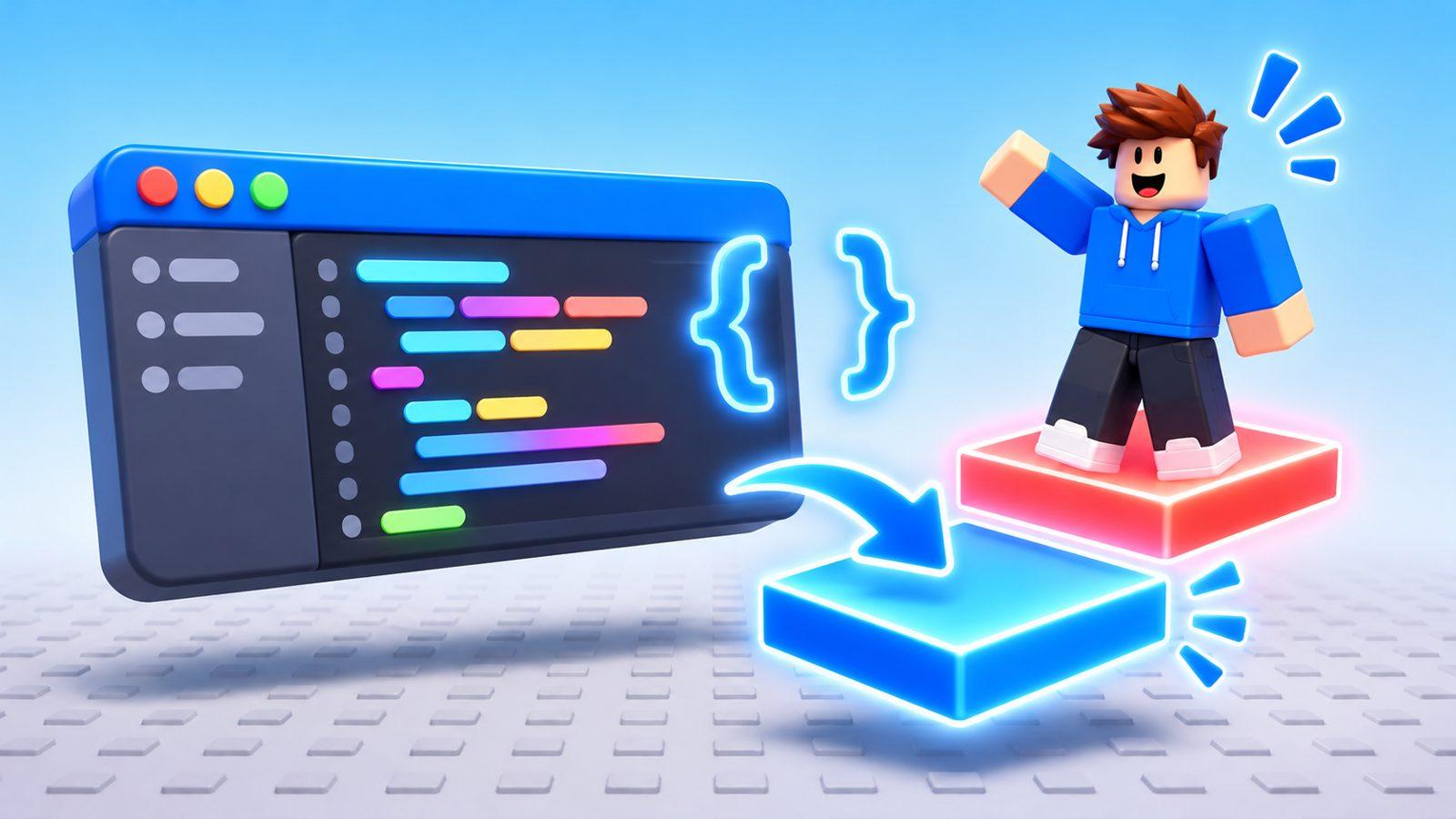
WorkflowScripting
Build a game system with Claude and the Roblox Studio MCP
You end up with: A working daily reward system: a server module, a rate-limited claim remote, a command bar test and a simple claim UI, all reviewed for exploits.
- Claude
- Roblox Studio MCP
5 stepsabout 60 minIntermediate
GuideAI workflows
Build Roblox games with Claude and the Studio MCP server
Studio has an MCP server built in. Connect Claude to it so it can read your place, run Luau and edit scripts with you, then keep it safe with a copy, small steps and server checks.
3 min readChecked Nov 16, 2026