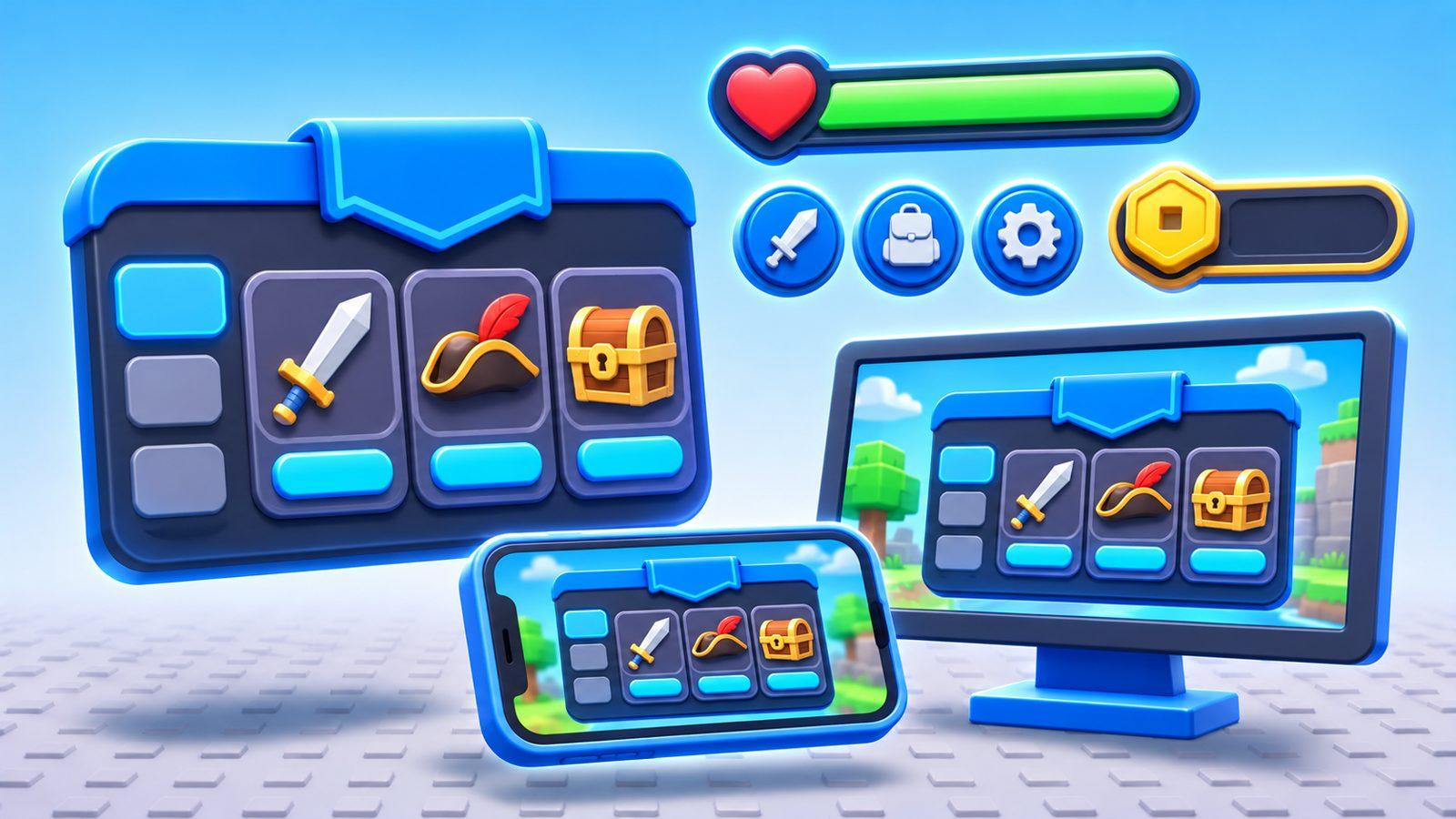
UI and UXBeginner
UI that works on every screen
Where UI lives, how Scale and Offset really work, layouts and constraints, and the rules that make a menu usable on a phone.
4 lessons22 min
Start: UI that works on every screenSearch assets, games, members, guides and pages, or run a tool.
Menus and HUDs that work on every screen.
1 course, 4 steps on the route
Start: UI that works on every screenYou want interfaces that feel good to use. Work down from the top; every step is free.
Short lessons with practice in each one.
UI and UXBeginner
Where UI lives, how Scale and Offset really work, layouts and constraints, and the rules that make a menu usable on a phone.
4 lessons22 min
Start: UI that works on every screenReference to keep open while you build.
WorkflowUI and UX
You end up with: An in-game shop: an item table, a window of item cards that fits a phone, and a server script that checks every purchase.
5 stepsabout 45 minBeginner
GuideUI and UX
A shop that scales from phone to PC, with item cards, a buy button and a server that checks every purchase. Built with ScreenGui, layouts and MarketplaceService.
2 min readChecked Nov 16, 2026